Karuvi Direct · Claude skill
Every shot, directed.
It picks the camera move from what the scene should make people feel, keeps your character's face and voice the same across clips, and tells the actor what to do.
Works with Seedance, Kling, Wan, MiniMax and more · One-time payment · Free updates by email
Made with this system
Don't read about it. Watch it.
The camera follows the feeling
Tell it the emotion. It picks the move.

Push inTension, a decision 
Pull backLoneliness, the reveal of scale 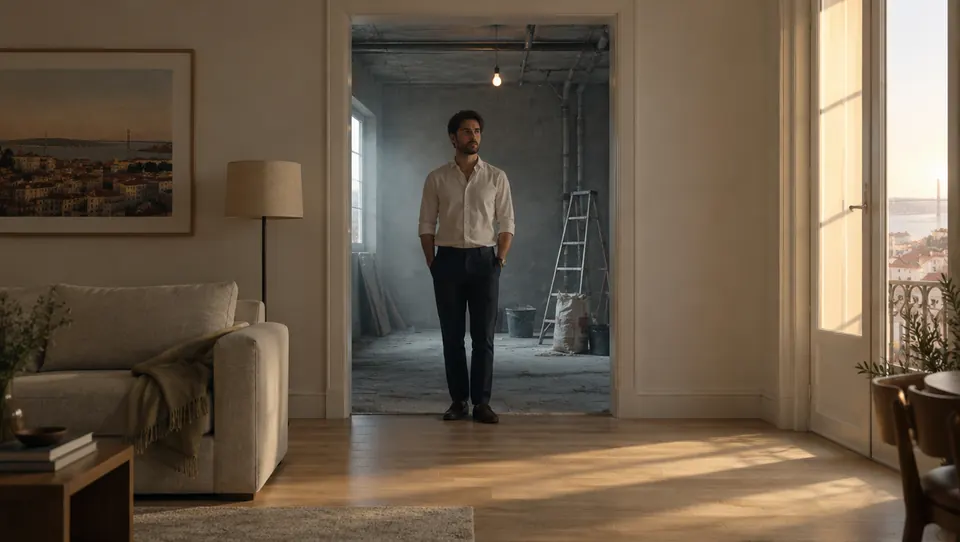
ArcA turning point 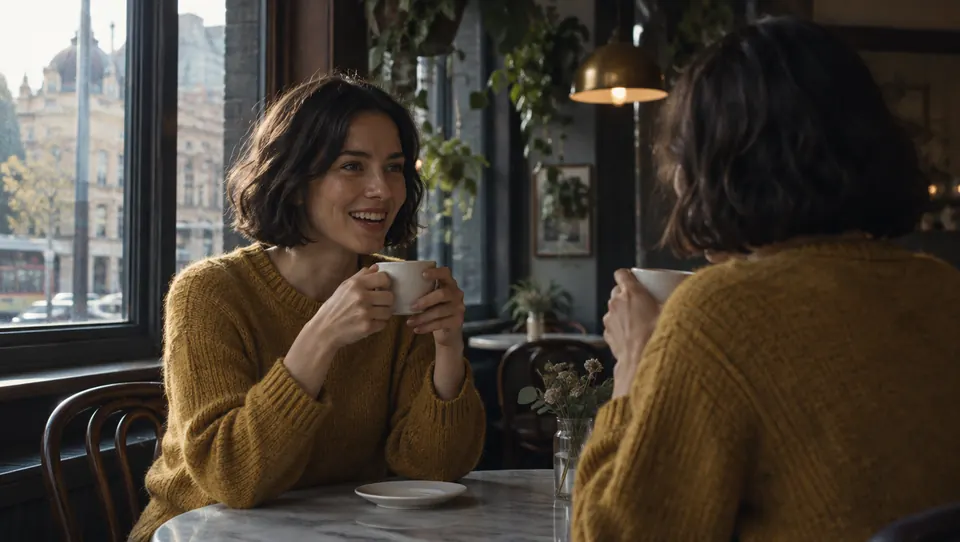
Crane upHope, release 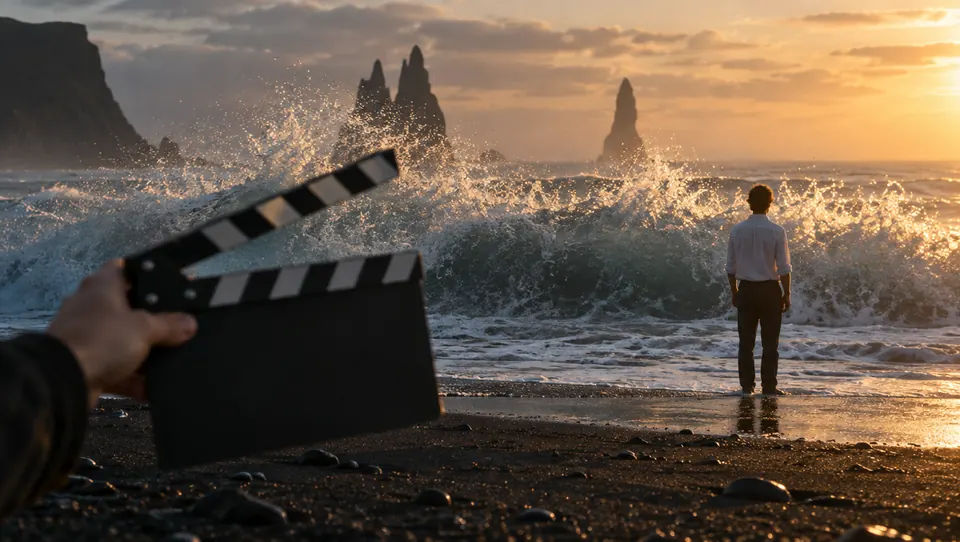
PanDiscovery 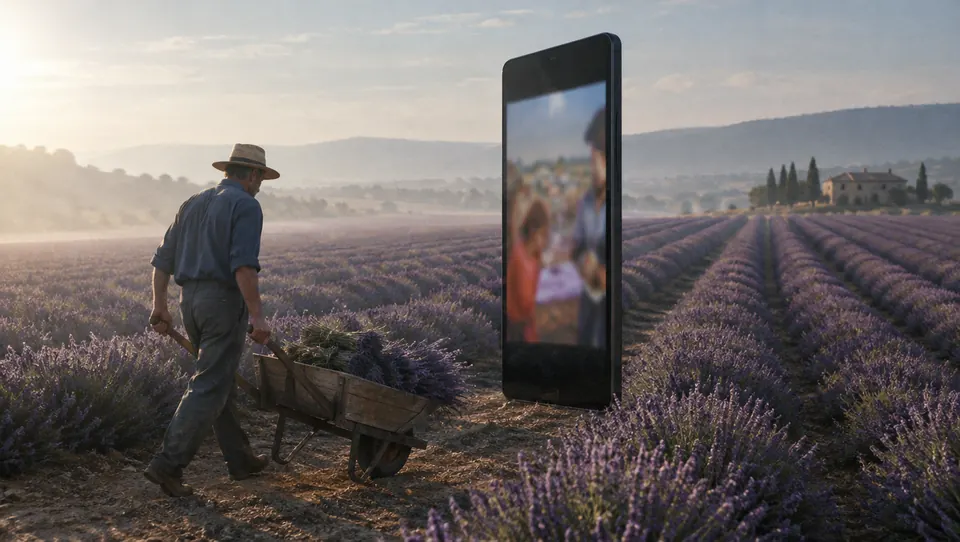
Locked offCalm, let the actor work
What it fixes
The five things that make AI video look generated.
- A face that changes between clips
One character, held across every shot.
- Characters with no performance
A reason behind every look and pause.
- Random camera moves
Every move has a reason in the scene.
- People who walk through each other
Who stands where, and when they move.
- A voice that drifts
The same voice, clip after clip.

What's inside
A director's notes, in one skill.
- The Karuvi Direct skillRoutes each job: one character, a scene, a UGC clip, a transformation, a performance
- Camera-movement libraryEach move, and the feeling it serves
- Shot sizes, angles and lensesWhat each choice does to the viewer
- Expression and acting guidesReal expressions and beats, in plain words
- Voice lock and scene blockingSame voice across clips; who stands where
- Realism pass and QA checklistWhat to check before you export
Direct your next film.
Start from a great still with Karuvi Frame. Get both in the core bundle.
Which video models?
Any of them. New models arrive as free updates.
Is it beginner friendly?
Yes. If you can describe a scene, you can use it.
Do I get updates?
Yes, by email, free.
Refunds?
Digital products are non-refundable.